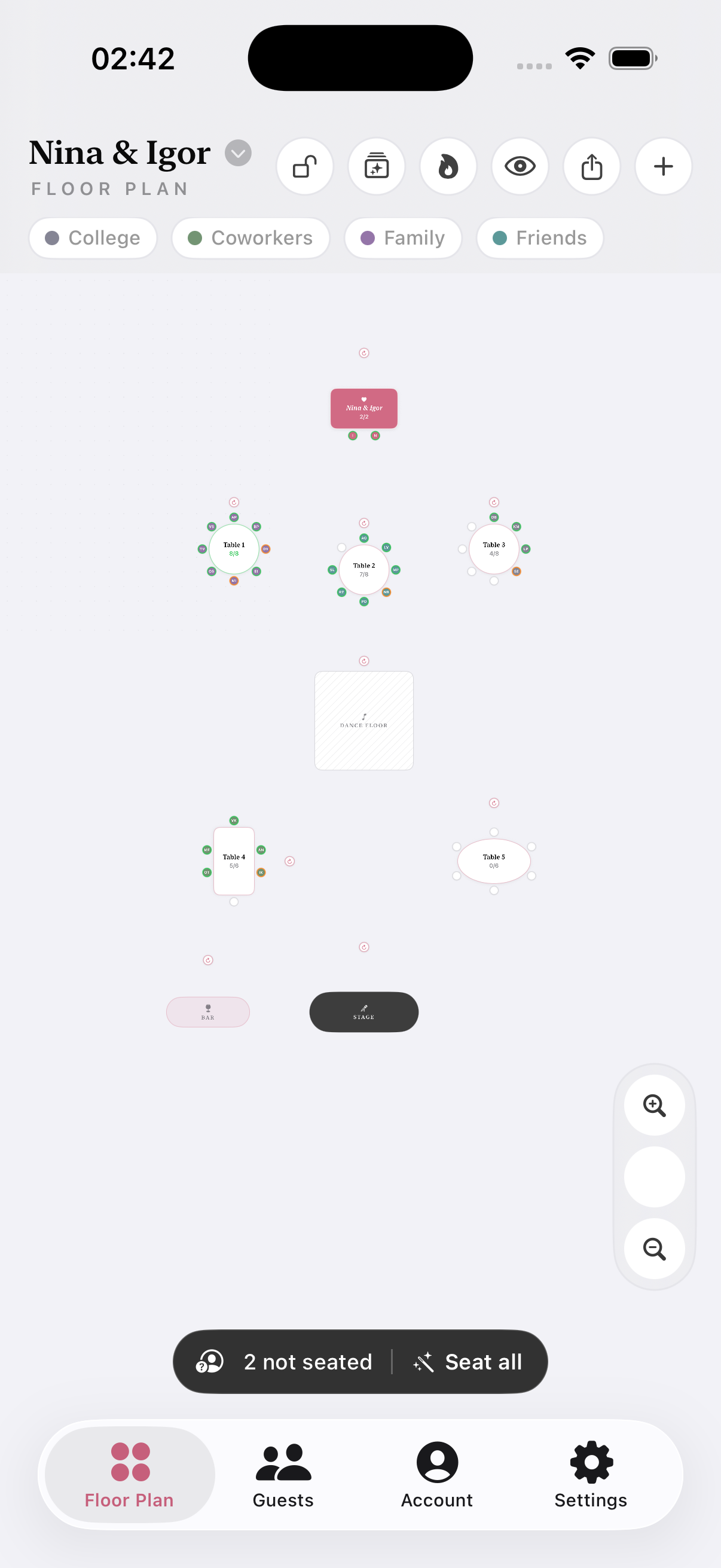
Paste your guest list, drag tables to match your hall, and keep family with family, friends with friends, coworkers together — and exes apart.

Copy names from Notes or Sheets and import everyone at once, grouped into family, friends, coworkers.
Tap once — the auto-seater keeps groups together and enemies apart. Then drag tables to match your hall.
Export a print-ready PDF: the floor plan plus a guest list for every table.
Guests are color-coded by group. Rings show who's confirmed, still deciding, or cancelled — a red ring means a seat needs re-doing.
Dance floor, stage, bar, gift table — drag every element exactly where it stands, rotate tables, pinch to zoom.
Your own table sits at the head of the room — visually distinct, with anyone you choose seated beside you.
Everything lives on your phone. No account, no upload, works with no signal at the venue.
Just you, your list, and one quiet evening.
Mark who must be kept apart — exes, feuding relatives. If they end up together, the table lights up red. Then get your whole chart roasted and share the Drama Report to your stories.
Unlimited guests, tables and PDF export. Yours forever.
While you plan. Cancel anytime.
No forms and no passwords — you sign in with your Apple ID in one tap. Your guest list and plan still live only on your phone; unlocking Pro is handled by the App Store.
Yes — galas, corporate dinners, birthdays, any banquet with assigned seats. Groups and the drama detector work the same way.
A print-ready PDF: page one is the floor plan drawn to your layout, followed by a per-table guest list your coordinator can hand to staff.
Mark them declined — their ring turns red on the plan so you can see every seat that needs re-doing at a glance.